Is the 11XPlay app free to download?
The app is typically free to install. Account creation and contest entries may be subject to eligibility rules. Read the legal state guide.
A plain guide to installing, updating and reviewing the app on supported devices. We focus on what you can check yourself and what to leave alone.
Reviewed 22 July 2026 | 18+ | T&Cs apply | We may earn a referral commission.
Section 1
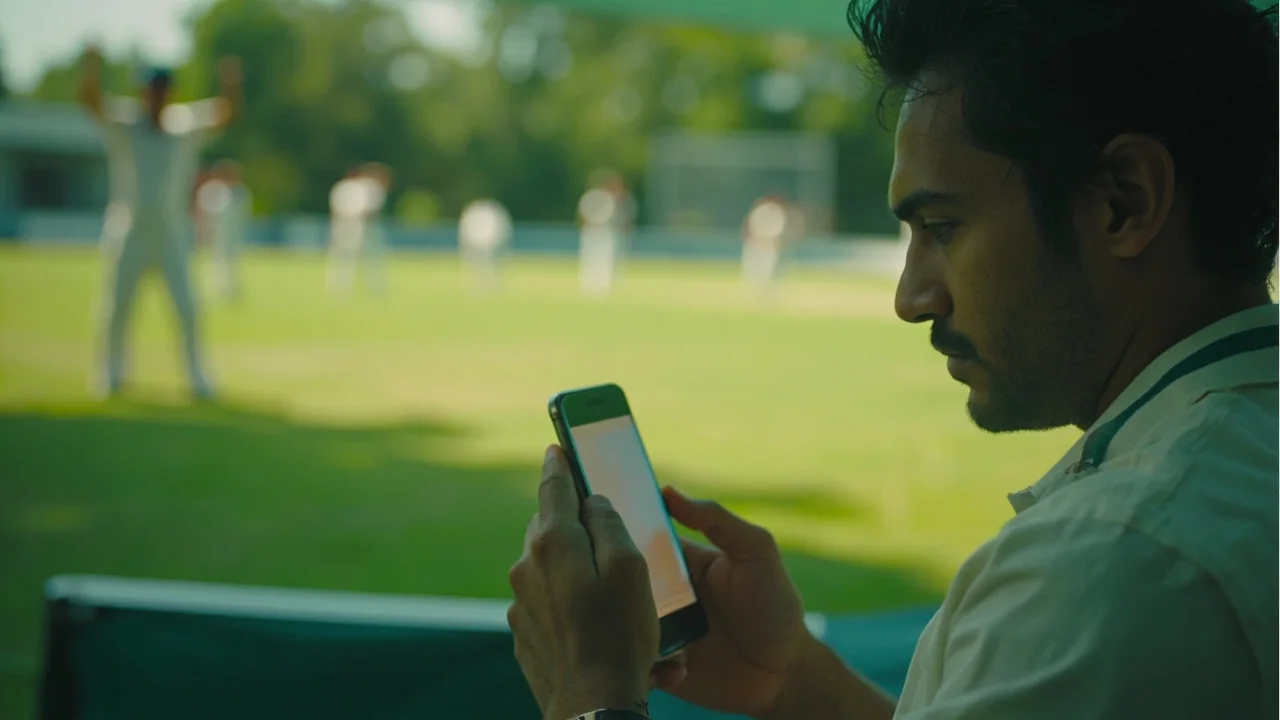
11XPlay provides mobile access through a supported app on common platforms. App access is meant for adults, supports responsible play controls, and pairs with browser-based sign-in for account recovery. Most adult users in supported markets can complete the journey on a single device; some users keep a second phone for two-factor purposes.
This guide focuses on three questions: does my phone support the app, how do I install it safely, and how do I update it without losing settings. We do not link to a download outside the audit trail we have verified, and we encourage you to read the rest of this page before tapping install.
Section 2
| Item | Recommended |
|---|---|
| OS | Current and the previous major release on supported platforms |
| Storage | 200 MB free before install, 500 MB for a smooth update |
| Connection | Stable wifi for the first install, mobile data acceptable for short updates |
| Time | 3-5 minutes from download to ready |
Section 3

Mobile apps for fantasy contests usually request a small set of permissions. Most are reasonable for the feature they unlock. A short review at first launch is a healthy habit, and you can change most settings later from the device settings screen.
If a permission request does not match a feature you intend to use, decline it. You can always grant it later from settings.
Section 4
Updates usually happen in the background. Major updates that change login or payment flow are worth a few minutes of attention. If you run into trouble after an update, sign out fully, force-stop the app, and sign back in. This clears most session-level errors without losing account data.
If the app misbehaves persistently, uninstall and reinstall. Account balance, KYC and contest history live on the platform, not on your device. Reach customer care if you need a documented version history of your account.
Section 5

On match day the app is at its busiest right before deadlines. Two habits help: pre-fill your team the night before and review the playing XI announcement as soon as it is published. The app will refresh once you tap refresh on the contest screen.
If the app does not refresh during high-traffic windows, switch to mobile data briefly or wait a few minutes. The platform keeps the latest data on its server.
FAQ
The app is typically free to install. Account creation and contest entries may be subject to eligibility rules. Read the legal state guide.
Use the route described in the download guide. Avoid links from SMS or chat messages.
It depends on the operating system version. The compatibility checklist above covers the minimums.
Yes. Account history, wallet balance and KYC status are shared between the app and the web.
Update through the official channel. Settings and balances live on the platform, not on the device.
Force-stop, clear cache, and reinstall if needed. Most issues clear with a fresh session.
Fantasy contests for real prizes are an adult activity. They can take time and money. Set a weekly budget, never chase losses, and stop when the activity stops being fun. State restrictions, including Andhra Pradesh, Assam, Odisha, Telangana and others, may apply. Use the platform only where it is legal.
Related guides
Editorial note: This guide is part of an independent editorial desk. Where claims could not be verified we mark them as "unverified" rather than complete them. Reviewed 22 July 2026.